
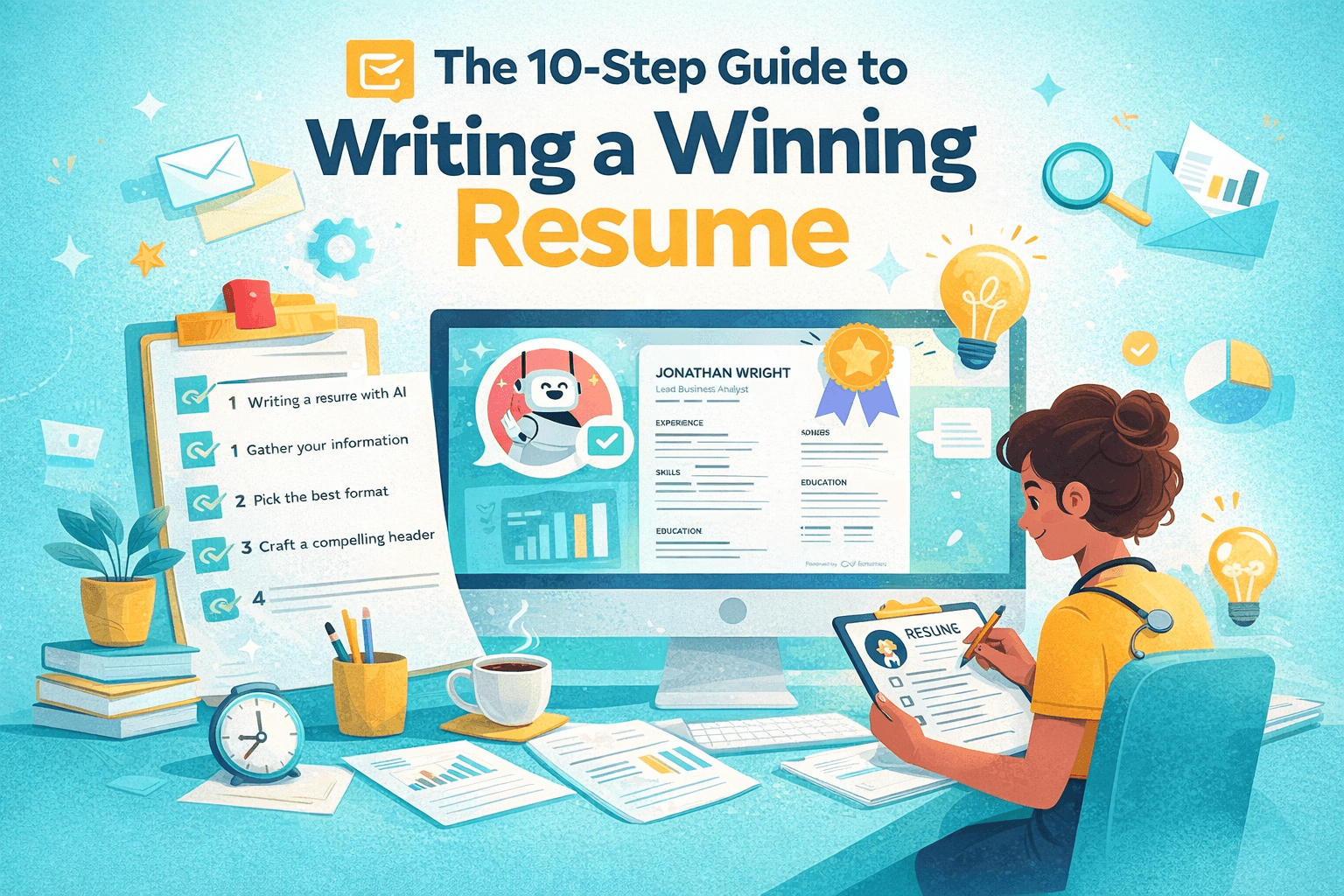

Why This Guide Matters in 2025
In today’s digital hiring landscape, over 95% of Fortune 500 companies use applicant tracking systems (ATS) to filter resumes. If your resume doesn’t follow ATS guidelines, it may never reach a human reader.
This 10-step guide blends resume fundamentals with cutting-edge tools like AI resume builders and keyword strategies so you can create a professional, ATS-optimized resume that gets interviews.
Step 0: Use AI to Write Faster and Smarter
Resume AI builders like ours use natural language processing to improve layout, formatting, and keyword targeting. They can suggest phrasing and structure tailored to your career field.
However, only you can tell your story best. Use AI as a co-pilot, not a replacement.
- Tech and keyword-heavy industries benefit most from AI optimization.
- AI helps identify skills gaps or rewrite weak bullet points.
- Saves time and removes formatting headaches.
Step 1: Gather Your Resume Data
Start by gathering your professional information. You’ll want all the raw materials in one place so writing becomes easier later.
- Work experience and job responsibilities.
- Key achievements and quantifiable wins.
- Hard and soft skills relevant to your field.
- Education, certifications, and licenses.
- Volunteer work or side projects.
Step 2: Choose a Resume Format That Passes ATS
Most ATS systems struggle with tables, graphics, or unusual formats. Stick to clean, single-column layouts that prioritize readability.
- Reverse-chronological: Easy to scan. ATS-friendly. Most recruiters prefer it.
- Functional: Avoid this for ATS. Often confuses parsing.
- Hybrid: Balanced for mid-career pros who want to showcase both skills and history.
Step 3: Craft a Compelling Header
Your header should make it easy to contact you—and make you memorable.
Include your name, job title, city/state, phone number, email, and optionally your LinkedIn profile or portfolio link.
- Don’t include full home address.
- Use a professional email.
- Include a headline or tagline under your name (optional).
Step 4: Write a Resume Summary or Objective
Write 2–4 sentences at the top that summarize your experience, skills, and goals.
Use a summary if you have several years of experience. Use an objective if you're just starting out or switching fields.
Step 5: Detail Your Work Experience
This section is where most hiring decisions are made. Use strong action verbs and show measurable impact.
List jobs in reverse-chronological order. Include company name, job title, dates, and location, followed by 3–5 bullet points for each.
Step 6: Add an ATS-Friendly Skills Section
Include hard skills, certifications, tools, and industry-specific software using job ad keywords. Group them clearly by technical, soft, and transferable categories for readability.
Step 7: List Your Education
Include your degrees, schools, locations, and graduation years (optional if you’re senior-level).
New grads can include GPA, coursework, or honors if relevant.
Step 8: Include Certifications and Licenses
List any professional certifications that validate your skills or are required for the job.
These help show commitment to continuous learning.
Step 9: Add Optional Resume Sections
Use these to add personality and prove that you’re well-rounded. Optional sections can be particularly effective if tailored to the role or company.
- Languages spoken
- Awards and honors
- Volunteer work
- Side projects
- Professional memberships
Step 10: Final Check — Does Your Resume Beat the ATS?
Before submitting, test your resume through a free ATS scanner tool. Look for keyword gaps, section readability, and formatting warnings.
Our resume builder includes built-in ATS previews, helping you optimize in real time.
Final Thoughts: Build a Resume That’s Future-Proof
Your resume is more than a list of jobs. It’s a dynamic marketing tool. Use these steps each time you apply for a job or change roles.
Need help building an ATS-optimized resume from scratch? Try our free AI-powered resume builder that helps you write, format, and test your resume with one click.